Magic link and OTP emails: what makes them arrive in seconds, and what makes them late
A login code that arrives in ninety seconds has failed, even though it was delivered. Latency in transactional email comes from a handful of specific places, most of them in your own stack, and each one is measurable. Where the seconds go, how to design the message so security scanners do not consume the link, and what to measure.
Magic link and one-time code emails are late for four reasons: the application queues the send behind other work, the relay batches or throttles, the receiver greylists an unfamiliar sender, or authentication fails and the message is held for scoring. Send immediately with an idempotency key, and measure the gap between your request and the delivered event, not the open.
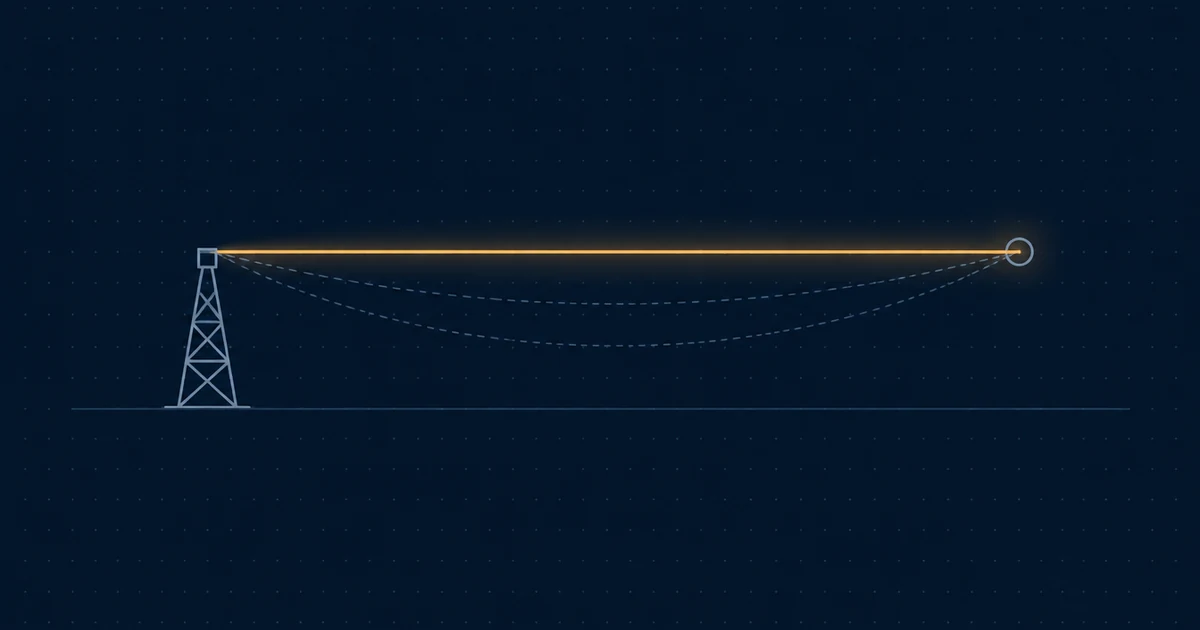
A magic link or a one-time code is the only kind of email with a deadline measured in seconds. The person is sitting at a login screen. Every second before the message arrives is a second they are deciding whether your product is broken. A code that arrives after ninety seconds was technically delivered and practically failed, because they have already clicked “resend”, and now two codes are in flight and one of them is wrong.
Latency here is not mysterious. It comes from four places, and each is measurable.
Where the seconds go
1. Your application, before the send. The most common source of delay is the one nobody measures: the send is queued behind other work. A background job system that processes emails in the same queue as report generation, with a worker that is busy, adds anywhere from seconds to minutes before the request even reaches the relay. Login mail needs a dedicated, high-priority queue, or it needs to be sent synchronously in the request path. Synchronous is unfashionable and correct here: a relay’s HTTP API returns in well under a second, and the user is waiting anyway.
2. The relay, before it sends. Some sending systems batch outbound mail, or apply per-account throttles that queue a burst. For a newsletter this is fine. For a login code it is the whole problem. Ask whether a single transactional message is handed to a sending server immediately on acceptance, or whether it waits for a batch window.
3. The receiver, before it accepts. Greylisting is the receiver-side delay that surprises people. A receiving server that has never seen your sending IP and domain together may temporarily reject the first attempt with a 4xx and accept the retry a few minutes later. It is a cheap spam filter that works because most spam software does not retry. Established senders are exempt from it in practice, because the receiver has seen the IP-domain pair before. A brand-new sending setup, or a new IP, will see greylisting delays on its first messages to each receiver, and they go away as reputation forms.
4. The receiver, after it accepts. A message that fails authentication or comes from a low-reputation source can be accepted and then held for deeper scoring before it is placed. This looks like a delay of tens of seconds to minutes and then the message lands in spam. It is not really a latency problem. It is an authentication and alignment problem showing up as one, and the fix is in the headers.
Designing the message so it works when it arrives
Speed is necessary and not sufficient. Three design decisions decide whether a fast message actually logs the user in.
Make the link survive a scanner. Corporate mail gateways and some consumer providers fetch every link in an incoming message to check it for phishing. If your magic link consumes its token on a plain GET, the scanner logs in, or burns the token, before the human sees the message. The user clicks and gets “this link has already been used”. Put the token behind an action: the link lands on a page with a button that POSTs, or the page consumes the token via JavaScript after it renders. Either way, a fetch by a scanner does nothing.
Send the code as well as the link. A six-digit code in the message body, and ideally in the subject, works when the link does not: on a different device, in a client that strips links, or when the scanner problem above has already bitten. Codes and links can share a token.
Do not track the link. Link tracking rewrites every URL through a redirect on a tracking domain. For a magic link that adds a hop, a domain the user does not recognise, and a redirect that some clients warn about. Turn it off for authentication mail. You do not need to know the click rate on a login link.
The resend problem
When mail is slow, users click “resend”, and now your system has to decide what that means. Two failure modes:
- Both codes are valid, the user enters the first one, and it works. Fine, but now two valid codes exist in a mailbox.
- Only the latest code is valid, the first message arrives second, the user enters it, and it is rejected. The user now believes your codes do not work.
The clean answer is idempotency at the send. If the same login attempt asks to send within a short window, send the same message rather than a new one. A relay with an idempotency key makes this trivial: key it on the session and the minute, and a double-click produces one message. Keep the code valid for its full window regardless of how many times it was requested.
Measuring it
The metric is request to delivered: the time from your application calling the send API to the receiving server’s 250 OK, which most relays expose as a delivered event with a timestamp. Not request to opened, which measures the user, and not request to accepted, which measures nothing past your own network.
Track it as a distribution, and watch the p95 rather than the average. A median of two seconds with a p95 of forty means one user in twenty is clicking resend, and the average hides them. Break it down by receiving domain: greylisting and scoring holds cluster at specific receivers, and a p95 that is bad only for one provider is a reputation conversation with that provider, not a code change.
Set an alert on it. Login mail latency degrades quietly, usually because something upstream changed, and the first human report is a support ticket that says “your login is broken”.
Where Pharos fits
A Pharos send returns a message id on acceptance, and the delivered event records when the receiving server took the message, so request-to-delivered is two timestamps you already have. The Idempotency-Key header collapses a double-click into one message, and link tracking is a setting you can leave off for authentication mail.
Questions this raises
Why did my magic link say "already used" before the user clicked it?
A security scanner at the recipient's mail provider or company followed the link to check it for phishing, and the link was single-use on GET. Make the link land on a page that requires a click or a POST to consume the token, or allow the token to be used more than once within its window from the same browser. Never let a plain GET be the consuming action.
Should the code go in the subject line?
It helps. The code shows in the notification and the inbox list without opening the message, which is the fastest path for the user. The cost is that anyone who can see the phone's lock screen can see the code, which is the same exposure as an SMS code. Most services accept that trade.
How long should a magic link stay valid?
Ten to fifteen minutes. Long enough for a slow mail client and a person who was making coffee, short enough that a link found in a mailbox later is useless. Send a fresh one on request rather than extending the old one.
Sources
Know when the rules change.
Gmail, Yahoo and Microsoft change what they require from senders. Pharos changes too — a capability, a limit, a price, something retired. Both change what you have to do to keep sending, so this list sends one email when either happens.
check your email
Confirm from the email we just sent, and you're on the list.